
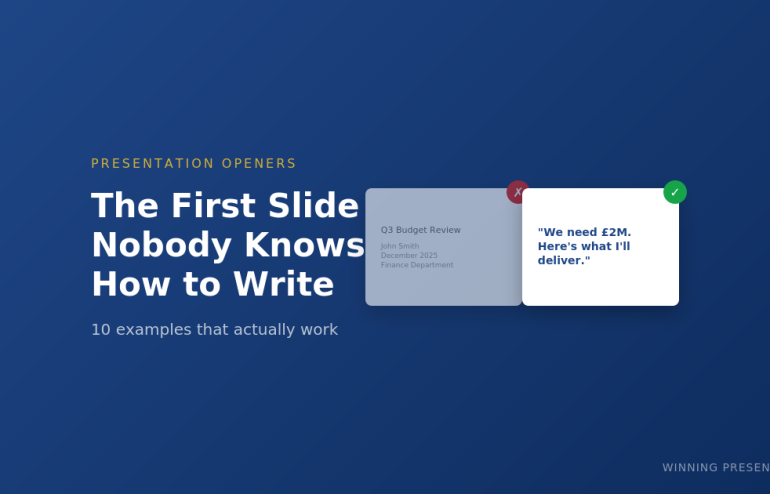
The First Slide Nobody Knows How to Write (And 10 Examples That Work)
Stop staring at a blank title slide. Here’s exactly what to put on it.
You’ve got your presentation structured. You know your key points. You’ve even rehearsed the middle section.
But you’re still staring at slide one.
What do you actually put on the first slide? Your name and the date? A clever quote? The company logo? Something that “grabs attention”?
Most people get this wrong — and it costs them the room before they’ve said a word.
After 24 years presenting to boards, investors, and C-suite executives at JPMorgan, PwC, and Royal Bank of Scotland, I’ve tested dozens of opening slide approaches. Here are the 10 that consistently work.
Why Your First Slide Matters More Than You Think
Your audience decides in the first 30 seconds whether to pay attention or check their phones. The first slide sets that tone.
A weak first slide signals: “This will be like every other boring presentation.”
A strong first slide signals: “This person knows what they’re doing. I should listen.”
The difference isn’t design. It’s intent. Your first slide should do ONE of three things:
- Create curiosity — make them want to know more
- Establish stakes — show them why this matters
- State your position — tell them exactly what you’re recommending
Here are 10 ways to do that.
10 First Slide Presentation Examples That Actually Work
1. The Bold Claim
State your conclusion upfront. No build-up, no context, no “let me walk you through.”
Example:
“We should acquire Company X for £15M. Here’s why.”
Why it works: Executives don’t want to wait for your conclusion. Give it to them immediately, then spend the rest of the presentation proving it.
Best for: Board presentations, executive briefings, any audience with authority and limited time.
Related: The Pyramid Principle for Presentations
2. The Provocative Question
Ask something that challenges assumptions or creates immediate tension.
Example:
“What if everything we know about customer retention is wrong?”
Why it works: Questions engage the brain differently than statements. The audience can’t help but start formulating answers.
Best for: Strategy presentations, innovation pitches, challenging the status quo.
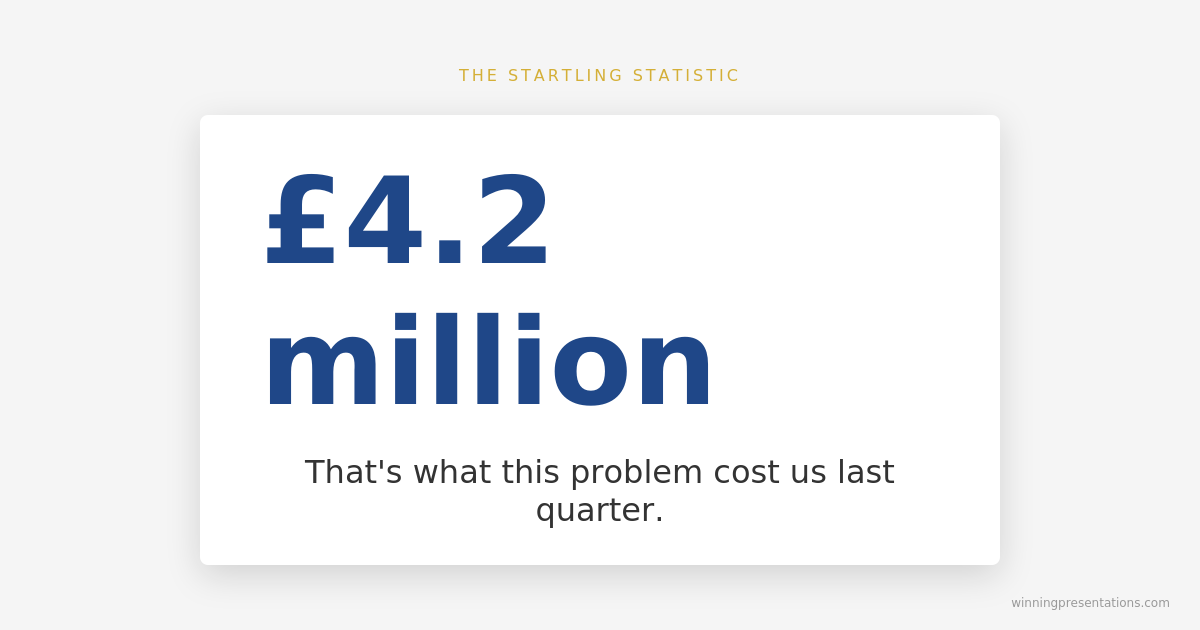
3. The Startling Statistic
Lead with a number that makes people sit up.
Example:
“£4.2 million. That’s what this problem cost us last quarter.”
Why it works: Specific numbers feel concrete and credible. They create immediate stakes.
Best for: Budget requests, problem presentations, any situation where you need to establish urgency.
4. The Before/After Promise
Show the transformation you’re offering.
Example:
“From 6-hour turnaround to 45 minutes. This is what AI did for our team.”
Why it works: People understand contrast instantly. The gap between before and after creates curiosity about how you got there.
Best for: Case studies, sales presentations, process improvement updates.
5. The Enemy Slide
Name the problem your audience is fighting.
Example:
“Manual reporting is killing your team’s productivity.”
Why it works: When you articulate someone’s pain better than they can, you earn instant credibility. They think: “This person understands my world.”
Best for: Sales pitches, proposals, any presentation where you’re solving a problem.
Related: How to Structure a Presentation: The Step-by-Step Guide
6. The Counterintuitive Truth
Challenge conventional wisdom immediately.
Example:
“The best sales teams don’t focus on selling.”
Why it works: Contradictions create cognitive tension. The audience needs to hear the explanation to resolve it.
Best for: Thought leadership, keynotes, any presentation where you’re changing minds.
7. The Single Word
Maximum impact, minimum noise.
Example:
“Momentum.”
Why it works: A single word forces the audience to lean in. What does it mean? Why that word? You have their full attention for your verbal explanation.
Best for: Keynotes, team rallies, presentations where you want to create a memorable moment.
Get All 25 Templates
The Openers & Closers Swipe File includes:
- 10 opening slide templates (with fill-in-the-blank scripts)
- 15 closing slide templates (including “The Ask” and “The Callback”)
- Before/after examples showing weak vs. strong versions
- Guidance on which opener fits which situation
Stop reinventing the wheel for every presentation.
Sorted slide one — now build slides two through twelve
Once you’ve nailed the opener, the Executive Slide System gives you 26 templates including Board Meeting Opener and Executive Summary. Drop your content in. £39, instant download.
8. The “What If” Scenario
Paint a picture of a different future.
Example:
“What if you could close deals in half the time with twice the confidence?”
Why it works: “What if” bypasses skepticism. It’s hypothetical, so there’s nothing to argue with. But it plants a seed of possibility.
Best for: Product launches, vision presentations, sales pitches.
9. The Audience Mirror
Describe exactly what they’re experiencing right now.
Example:
“You’ve got 47 slides, a meeting in an hour, and no idea what your main point is.”
Why it works: When someone describes your situation perfectly, you trust them. They clearly understand your world.
Best for: Training sessions, consulting pitches, any presentation where you’re positioning yourself as the expert.
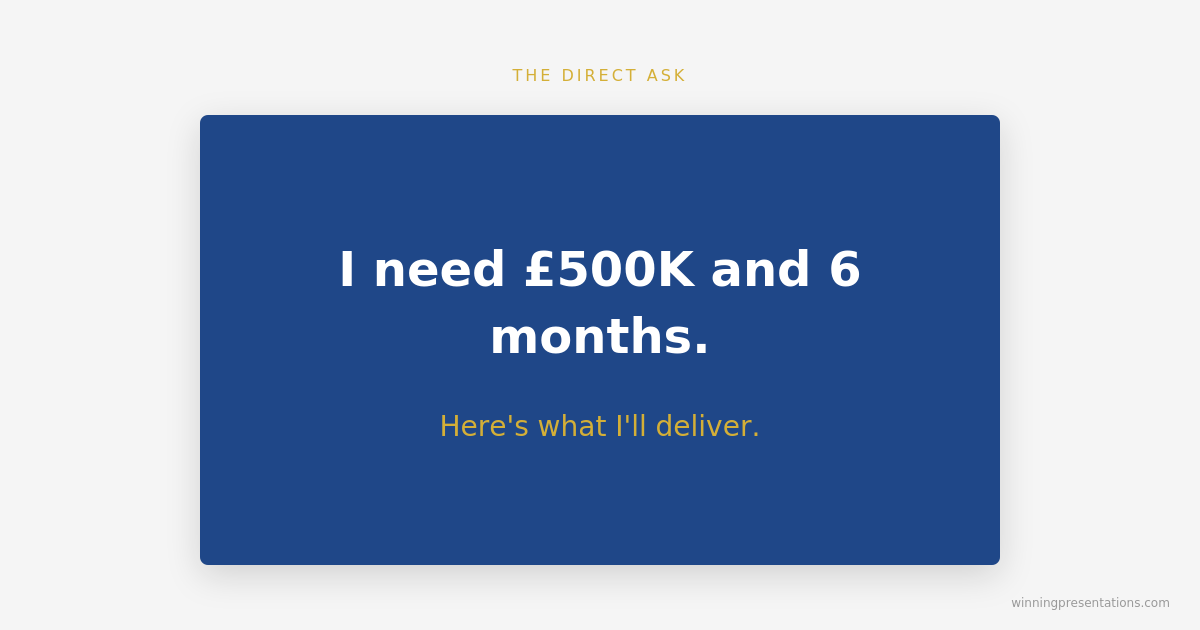
10. The Direct Ask
Skip the preamble entirely. Say what you want.
Example:
“I need £500K and 6 months. Here’s what I’ll deliver.”
Why it works: Directness signals confidence. It respects the audience’s time. And it frames everything that follows as justification for a specific request.
Best for: Budget requests, investor pitches, any presentation where you’re asking for a decision.
Related: How to End a Presentation: 7 Closing Techniques
What NOT to Put on Your First Slide
Now that you know what works, here’s what to avoid:
❌ Your name and title — Nobody cares yet. Earn their attention first.
❌ The date and meeting title — They know what meeting they’re in.
❌ A table of contents — Save it for documents. Presentations should flow.
❌ “Today we’ll cover…” — This signals a lecture, not a conversation.
❌ A generic quote — Unless it’s directly relevant, it’s filler.
❌ Your company logo taking up the whole slide — Branding matters, but not more than your message.
Your first slide has one job: make them want slide two.
Matching Your Opener to Your Situation
The right opening depends on your audience and goal:
| Situation | Best Openers |
|---|---|
| Board presentation | Bold Claim, Direct Ask |
| Sales pitch | Enemy Slide, Before/After, What If |
| Investor pitch | Startling Statistic, Direct Ask, Bold Claim |
| Keynote / all-hands | Single Word, Provocative Question, Counterintuitive Truth |
| Training session | Audience Mirror, Before/After |
| Strategy recommendation | Bold Claim, Provocative Question |
Want the complete toolkit?
The first slide is one piece of a working executive presentation. The Complete Presenter Bundle pulls all seven products together — slides, Q&A, anxiety, storytelling, delivery, openers, cheat sheets — for £99 (save £91.97 vs buying separately). Lifetime access.
Frequently Asked Questions
Should I introduce myself on the first slide?
No. Earn their attention first, then introduce yourself — either verbally after your opening or on slide two. The exception is if you’re unknown to the audience AND your credibility is central to the message. Even then, keep it brief.
What about title slides for formal presentations?
If protocol requires a title slide (some board meetings, academic presentations), use it — but make it work harder. Instead of “Q3 Financial Update,” try “Q3 Results: Why We’re Accelerating Investment.” Same information, but it creates curiosity.
How do I choose between these openers?
Ask yourself: What does my audience need to feel in the first 10 seconds? Curious? Alarmed? Reassured? Challenged? Pick the opener that creates that emotion. When in doubt, go with The Bold Claim for executives or The Enemy Slide for sales.
Stop Staring at Blank Slides
Your first slide sets the tone for everything that follows. Get it right, and you’ve earned attention. Get it wrong, and you’re fighting uphill for the next 20 minutes.
The Openers & Closers Swipe File gives you 25 templates you can use immediately:
- 10 opening slides with fill-in-the-blank scripts
- 15 closing slides (including The Single Ask, The Callback, and The Forward Story)
- Before/after examples showing weak vs. strong versions
- Situation guide so you always pick the right one
Instant download. Use it on your next presentation.
Mary Beth Hazeldine is the Managing Director of Winning Presentations. She spent 24 years in corporate banking at JPMorgan Chase, PwC, Royal Bank of Scotland, and Commerzbank before training thousands of executives to present with impact. Her clients have raised over £250M using her frameworks.